Virtual Site Orientation

Replace generic orientation with site-specific readiness

We capture your real site and turn it into a digital walkable orientation experience that prepares workers, contractors, and visitors before they arrive.

75% Higher Knowledge Retention

Engage the "spatial memory" of workers, making safety protocols more relatable than a PowerPoint slide.

50% Faster Time-to-Competency

Workers "pre-onboard" remotely, arriving at the gate ready to work, not ready to wait.

Measurable Risk Reduction

Virtual training has been shown to reduce incident rates by up to 25% by allowing employees to "fail safely" in a de-risked environment.

Psychological Safety

Reducing "new hire anxiety" through site-specific familiarization can lead to 70% better on-site performance.

Turn Dry Orientations Into Engaging Experiences
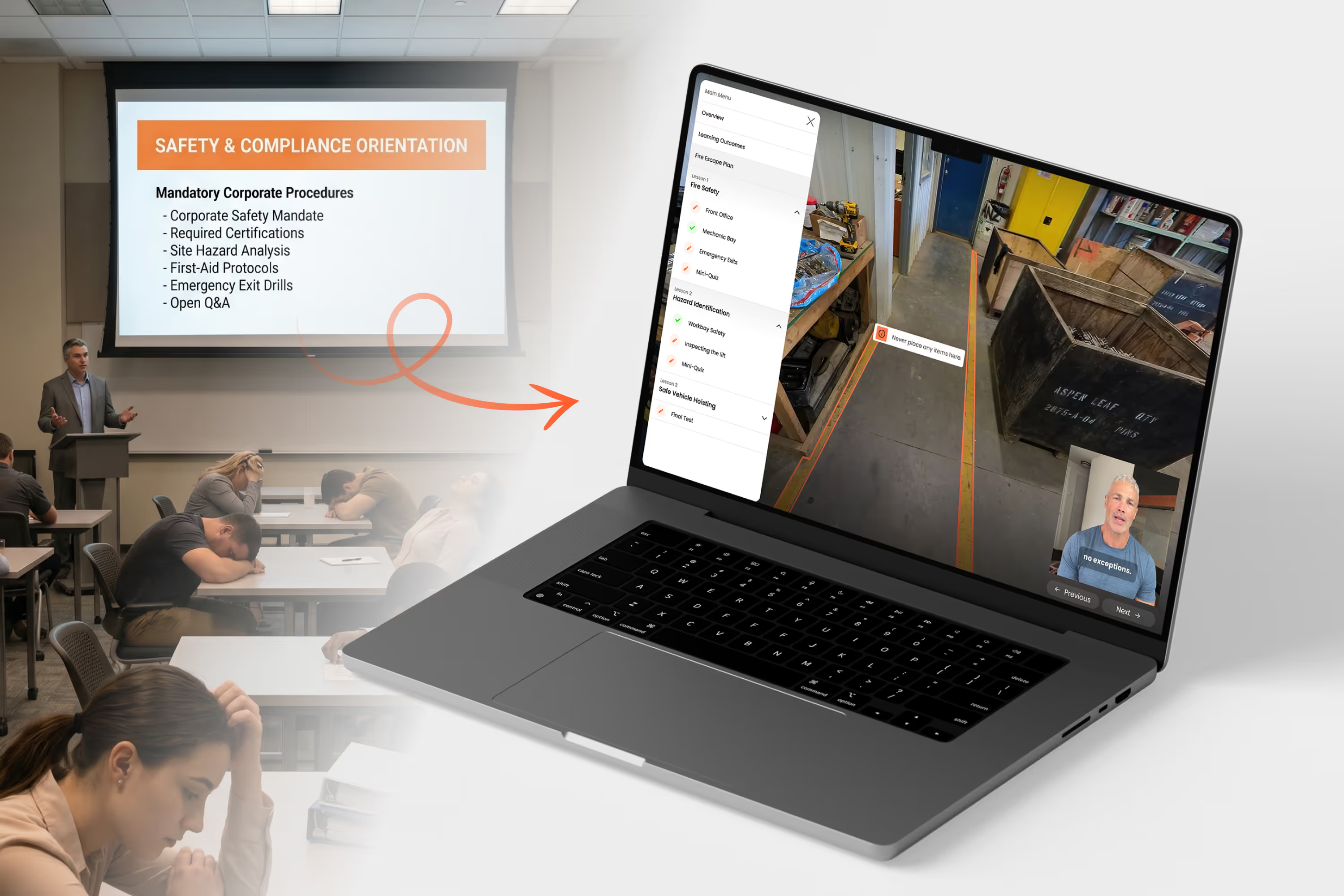
Stop ticking compliance boxes. Start training for site reality.
Static slides leave workers unprepared. We replace traditional onboarding with a walkable digital replica of your site, overlaying role-specific insights so your team arrives fully prepared on day one.

More than a walkthrough. Built for real readiness.
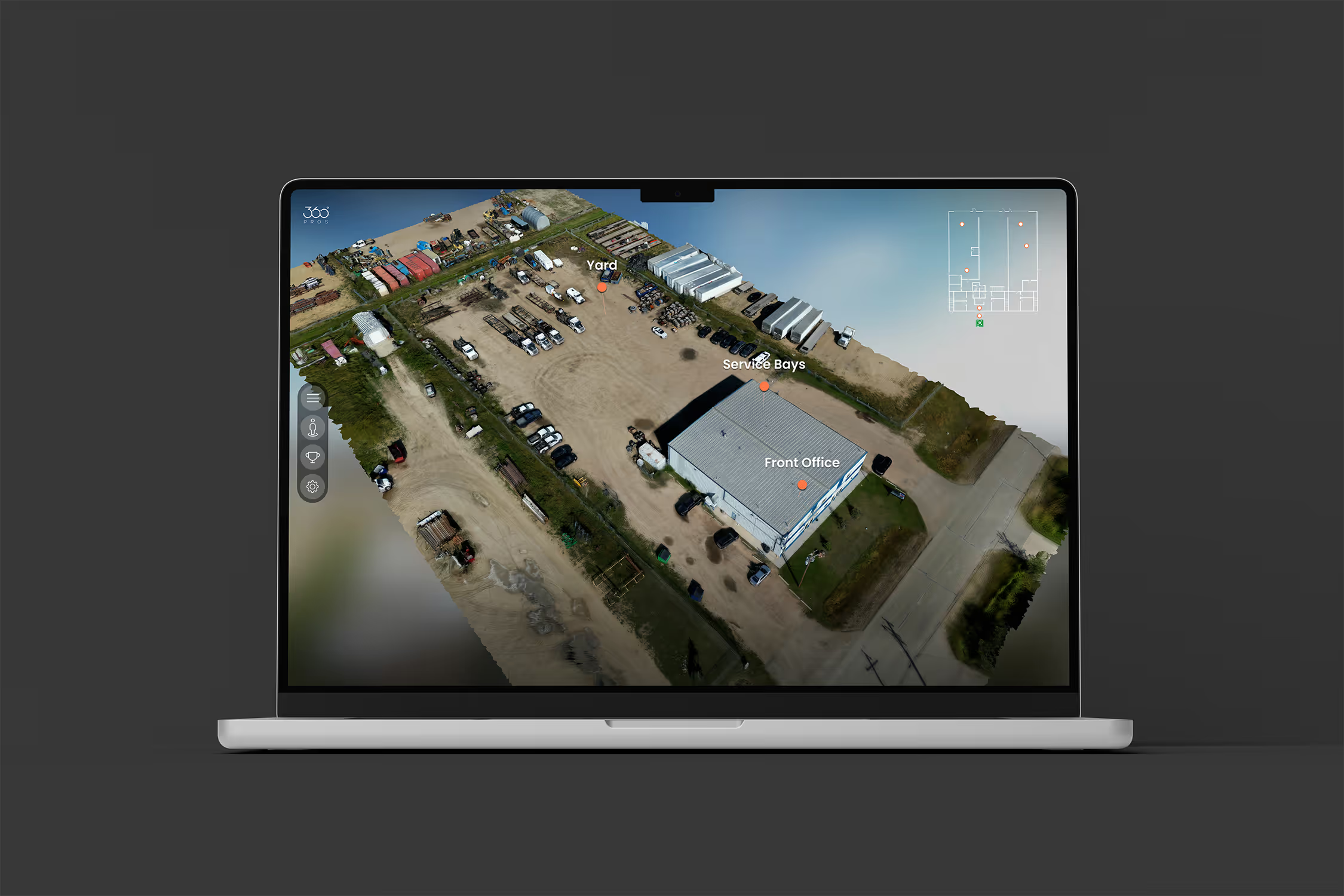
Digital Walkable Replica
We capture your real site and turn it into an online environment people can move through before arrival.

Guided Tours

Lead people through the site in a structured sequence so they understand the flow, context, and key areas in the right order.

Information Overlays

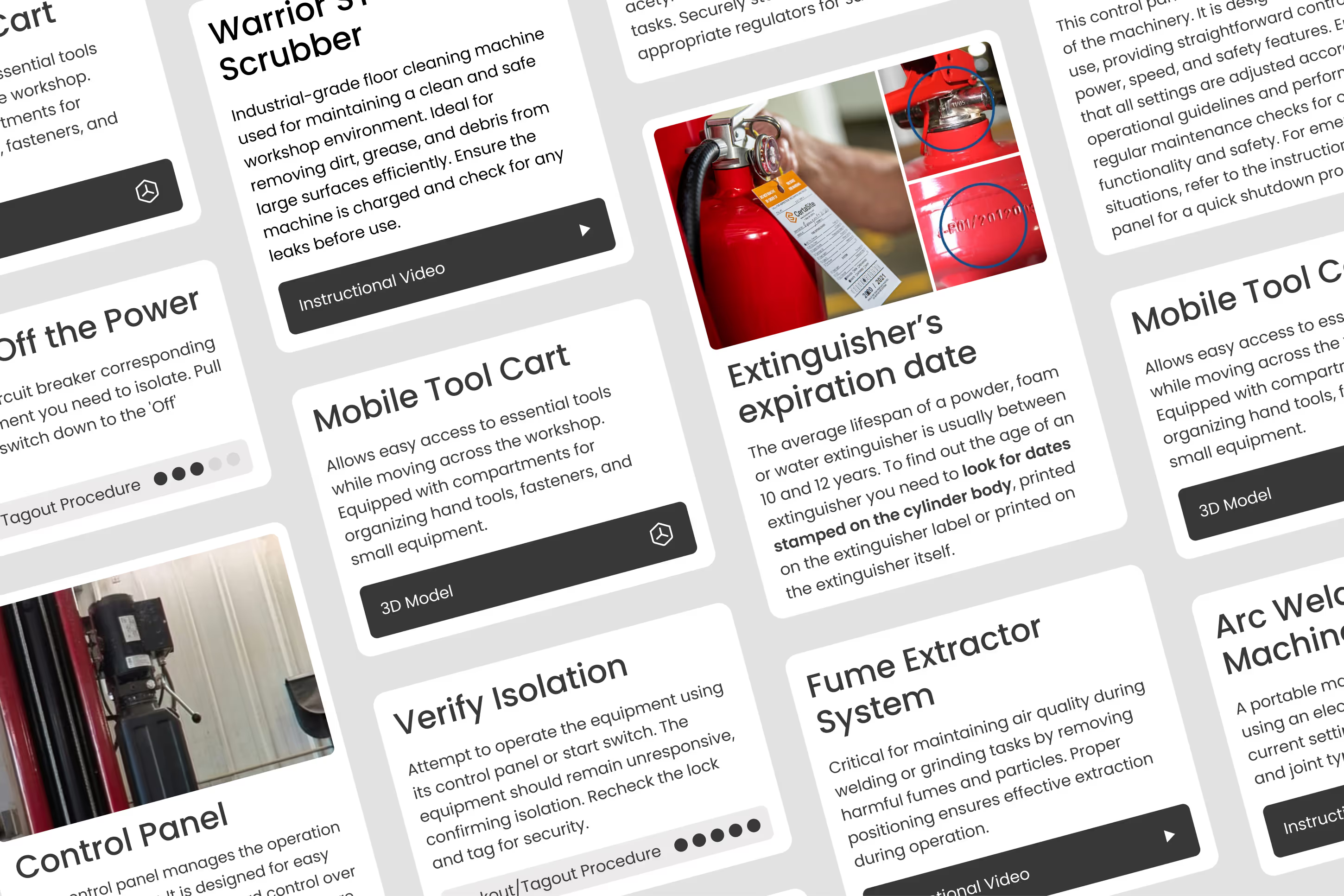
Add notes, procedures, videos, documents, maps, and visual cues directly into the space where they are relevant.

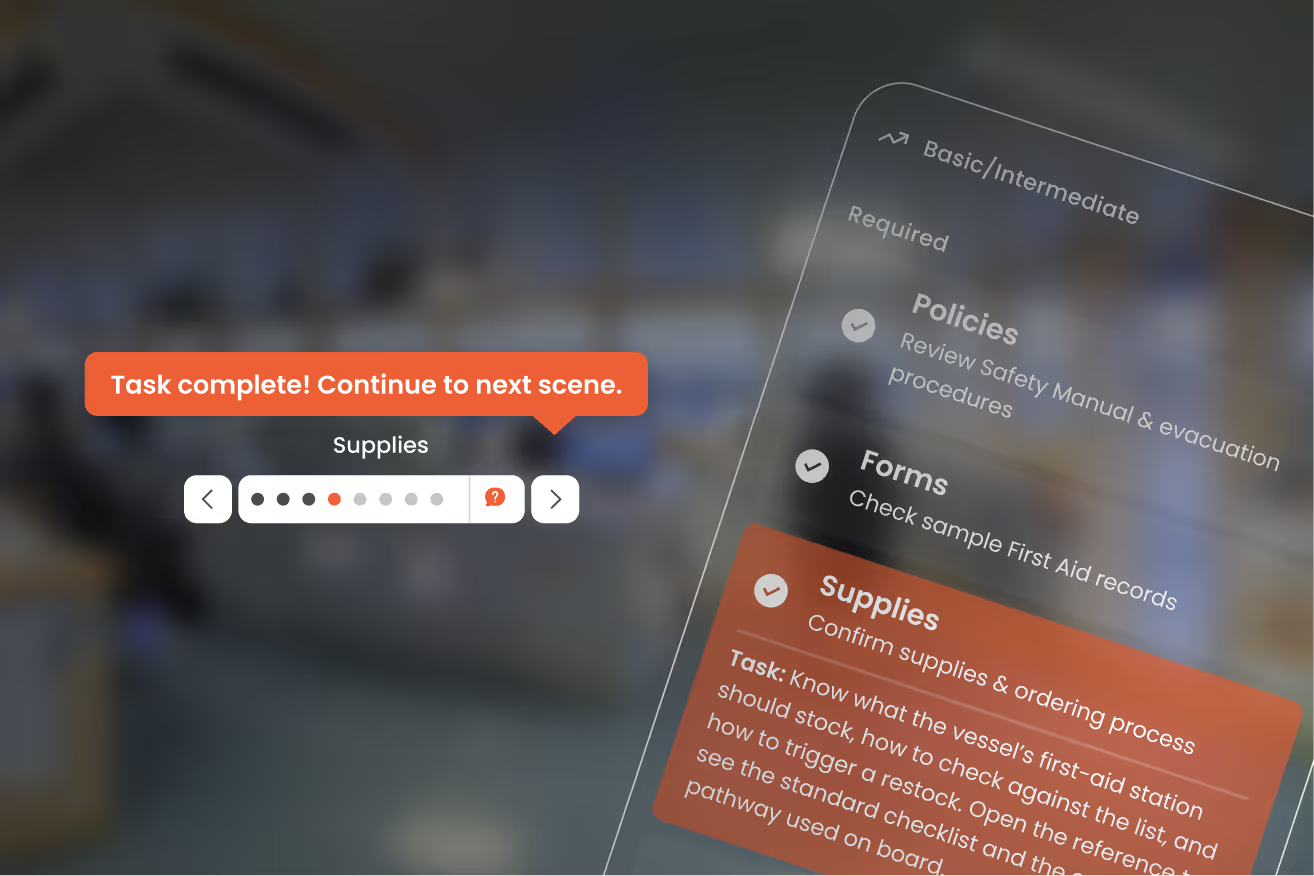
Interactive Checkpoints

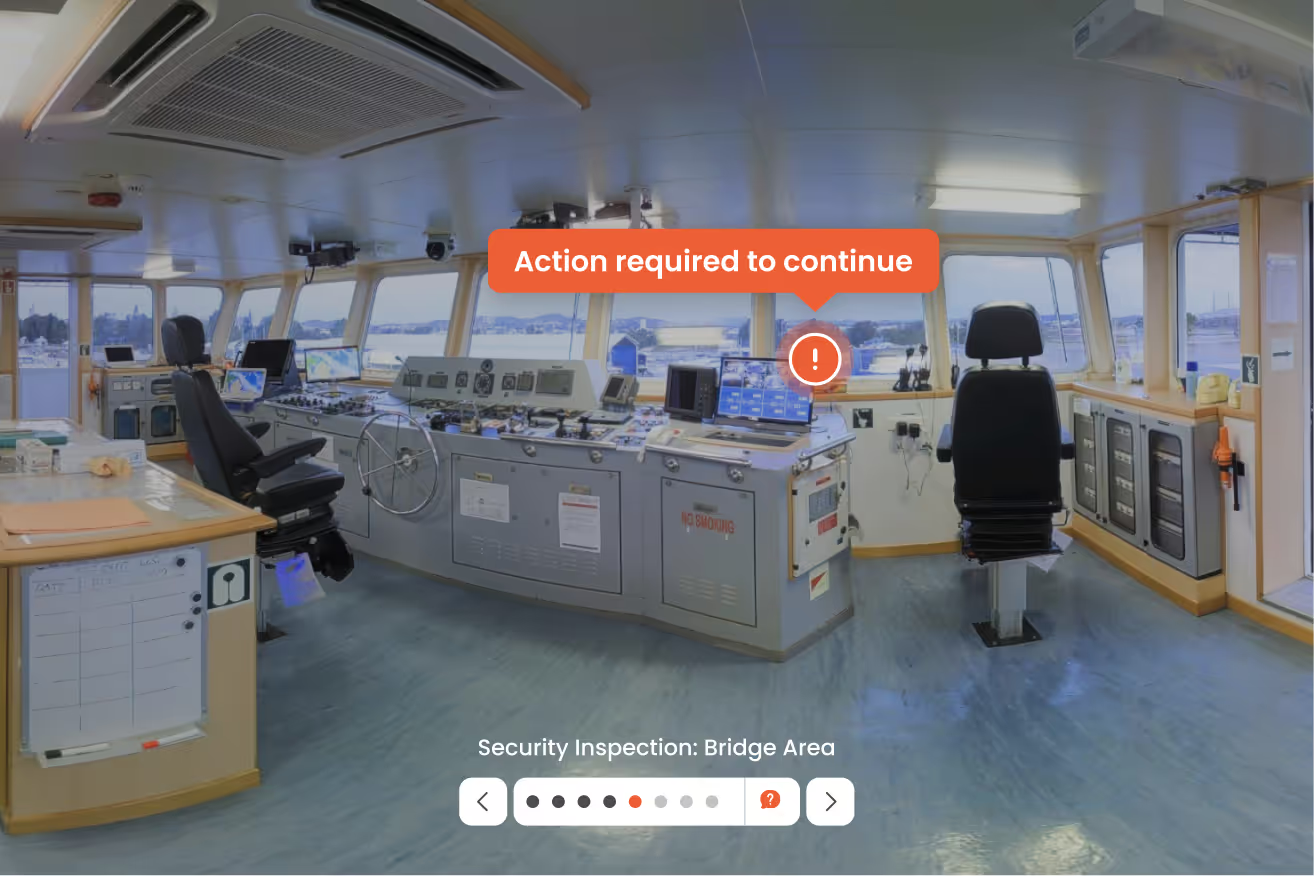
Use yes/no gates, required stops, and progression controls to make sure people actually engage before moving forward.

Drills and Scenario Learning

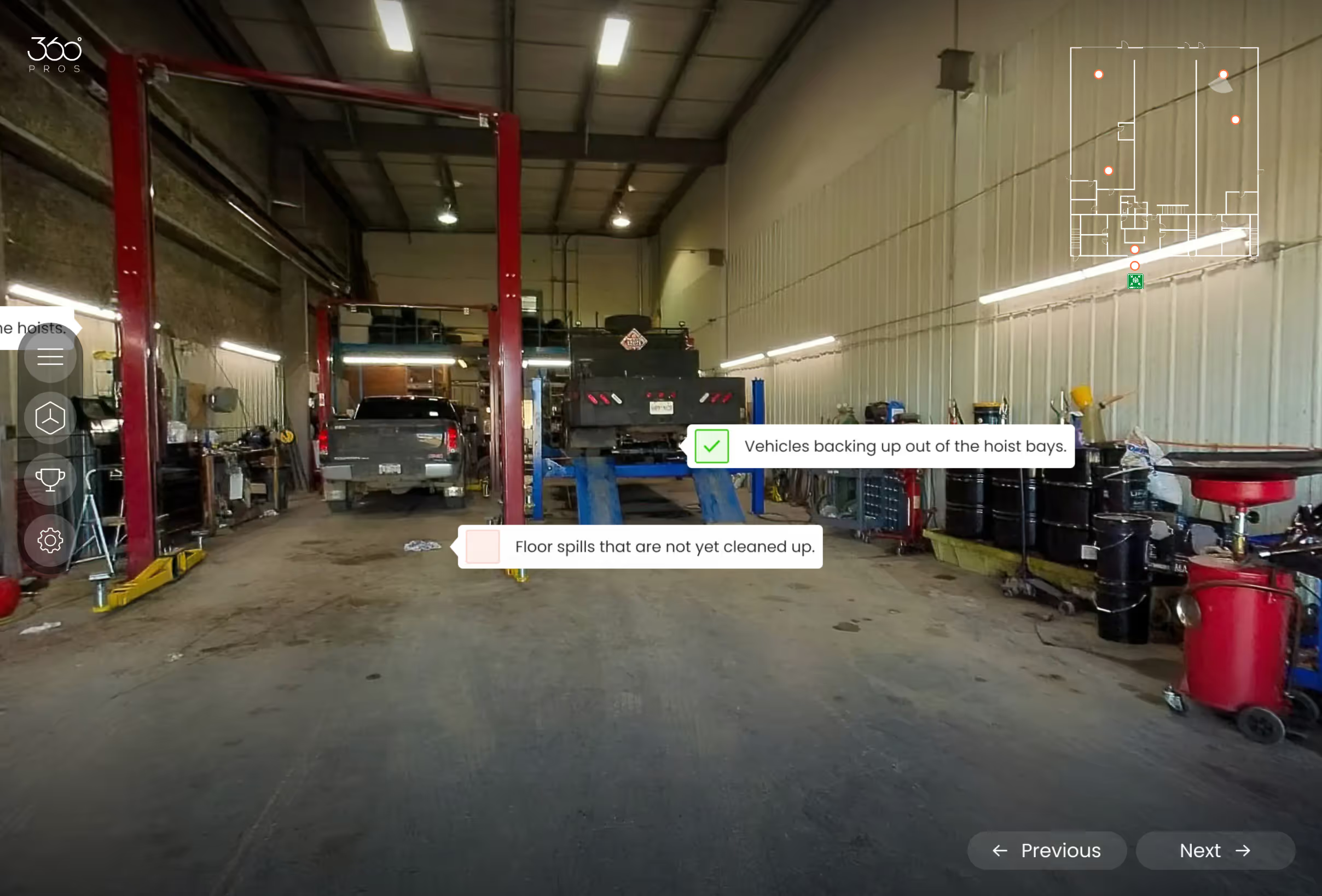
Create simple exercises that ask users to identify hazards, equipment, routes, or key site elements inside the environment.

Gamified Learning

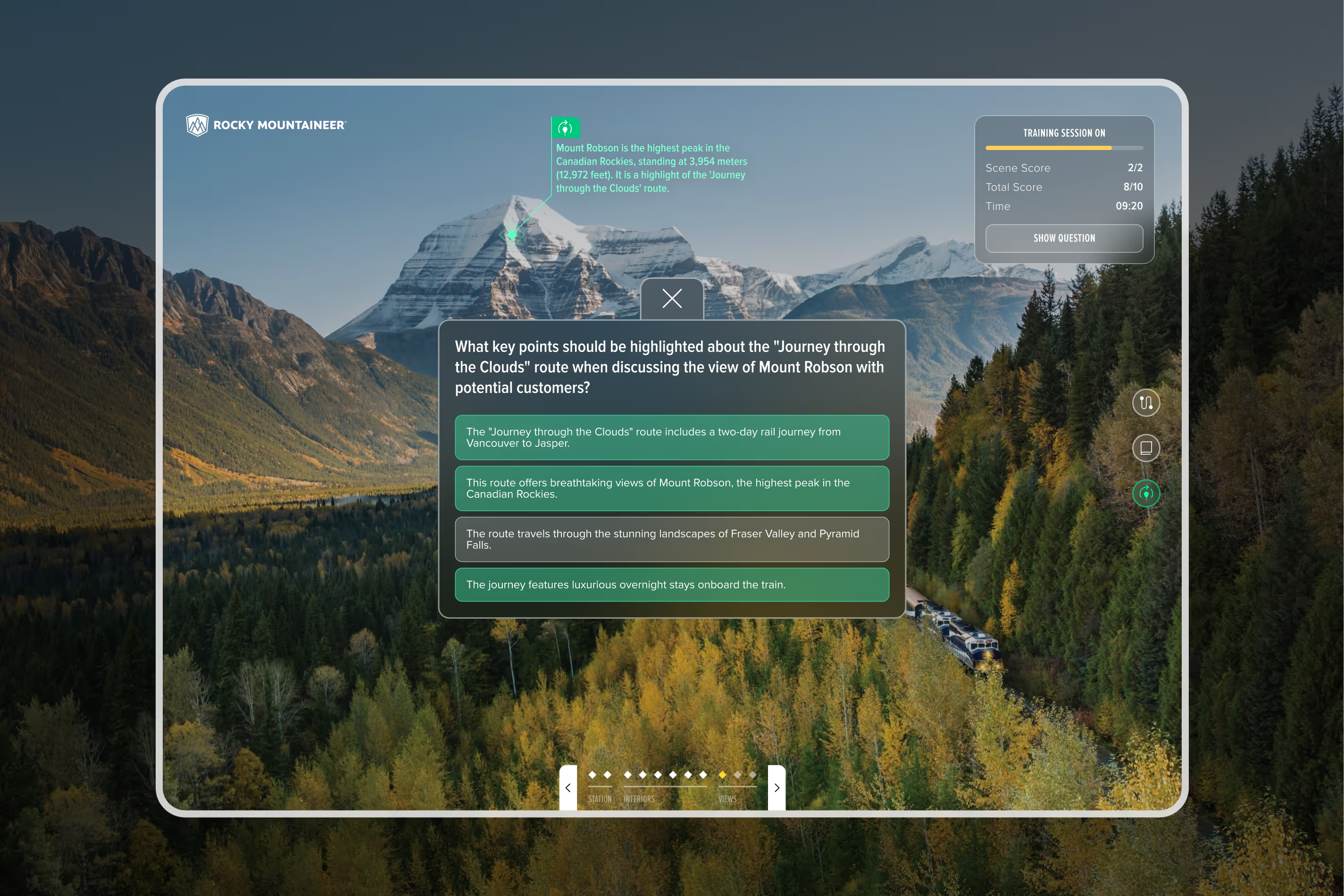
Add points, quizzes, or challenges to reinforce attention and improve retention.

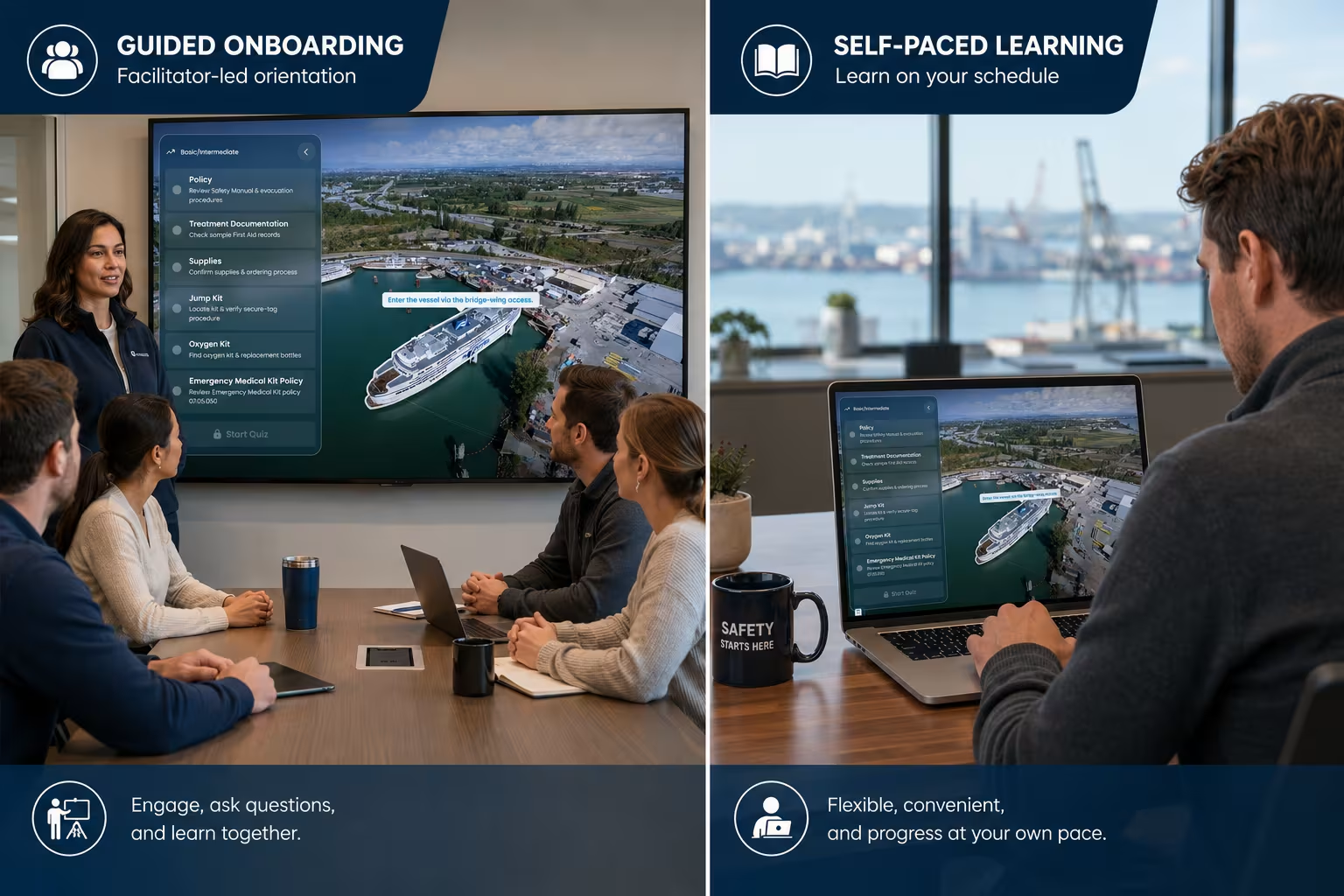
Self-Led or Facilitated Use

Support guided onboarding sessions or self-paced learning depending on the audience and use case.

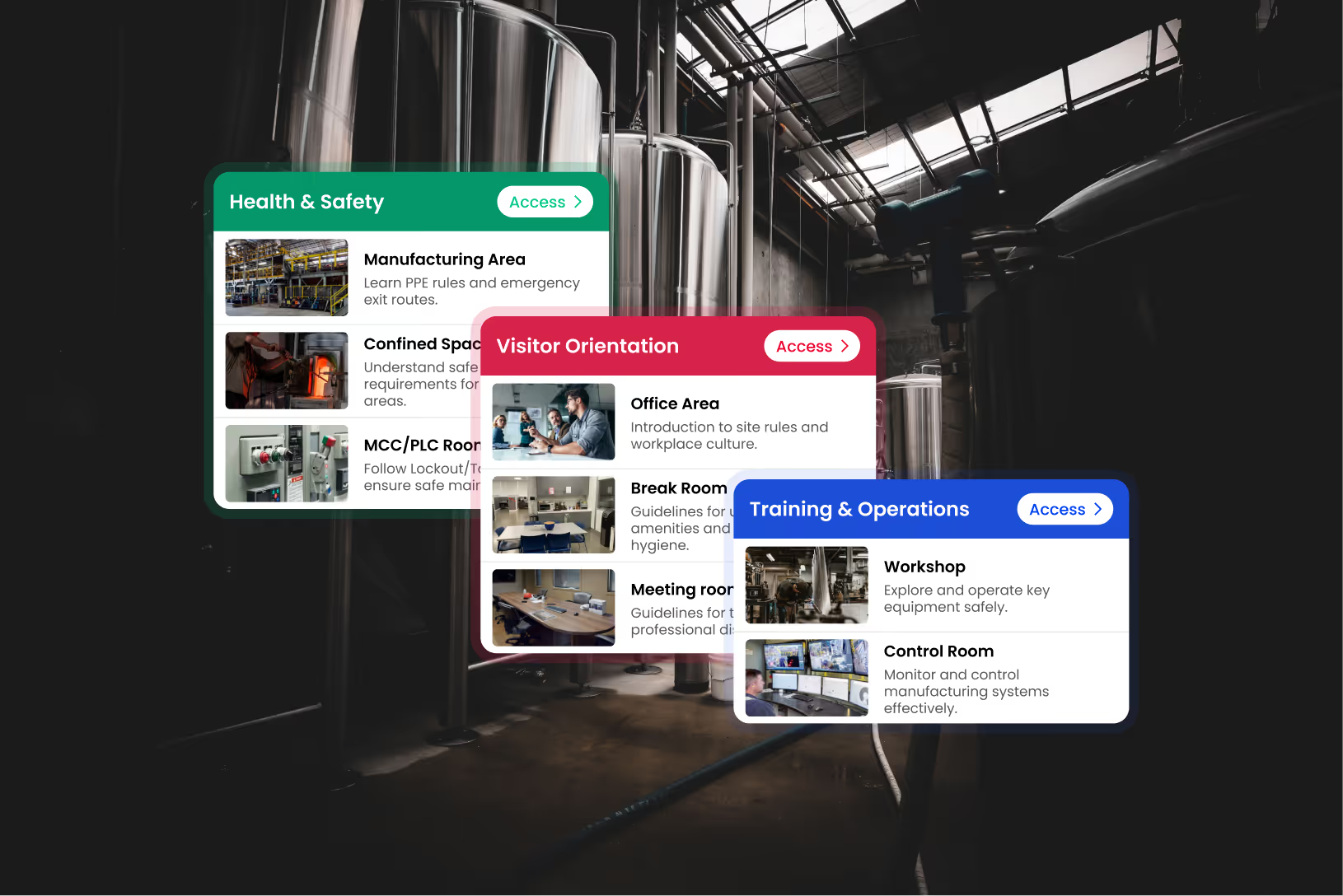
Role-Based Access

Display tailored information based on role or clearance to reduce clutter, enhance security, and maintain user focus.

See what site-specific orientation looks like

Explore how a real site becomes a guided digital experience with layered information, role-based views, and interactive learning.
Remove?
Deepa Pillay, Director of Marketing

How It Works

1
Discovery

Identify user needs, orientation goals and existing knowledge materials.

2
Site Capture

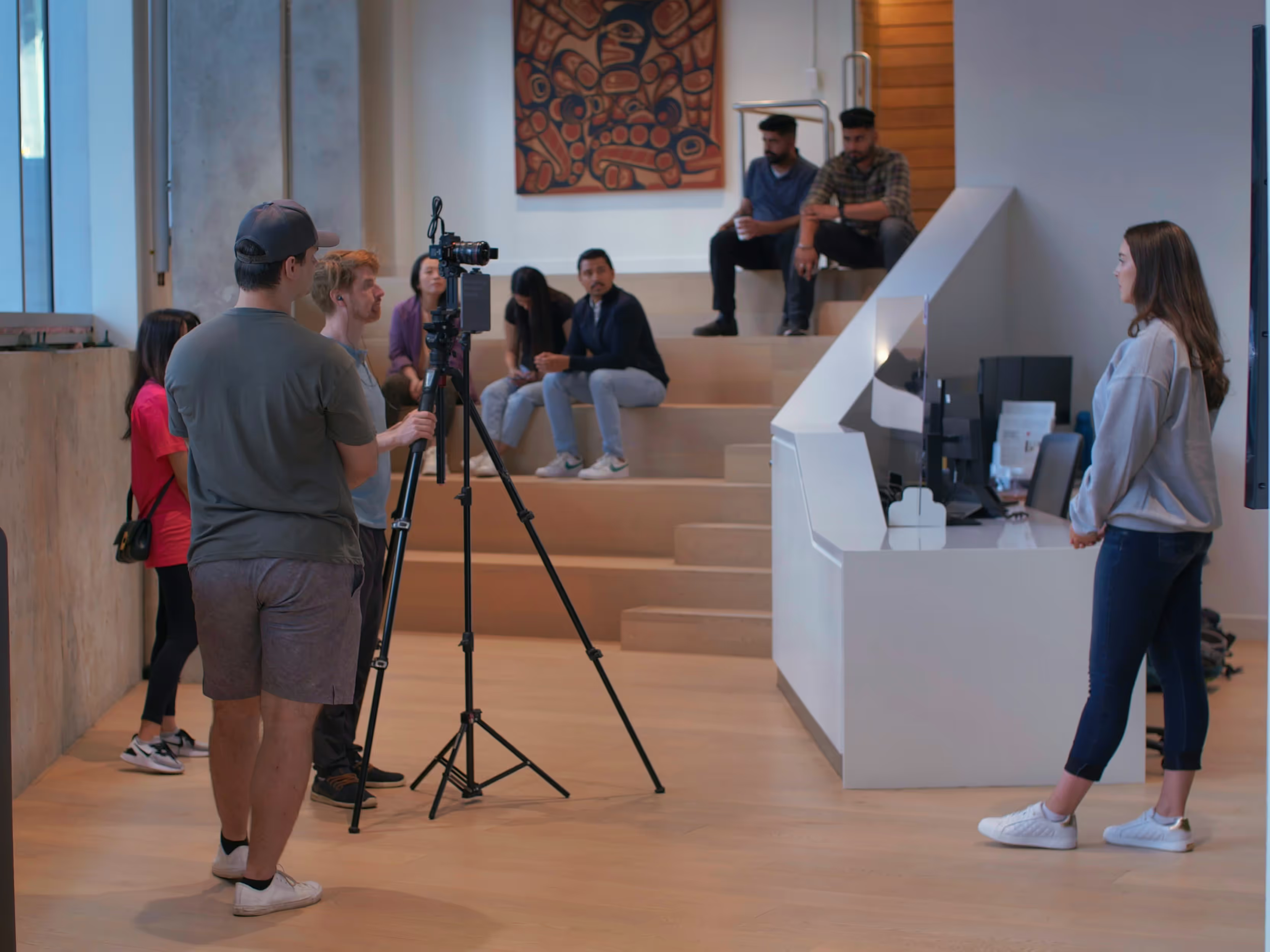
Record the real environment non-intrusively, including key spaces and routes.

3
Experience Design

Develop the digital site using existing knowledge to provide guided, interactive learning.

4
Audience Setup

Customize access by role so users see relevant content and integrate with existing tools.

5
Delivery

Deploy an easily shareable or embeddable virtual tool that far outperforms static slides.

Prove with one site.
Expand later.

Pilot the concept on one high-value or high-risk environment. Measure the value, then scale once it works.

Why 360Pros?

We do not build generic induction content. We turn real sites into practical digital tools people actually want to use.

Built from the Real Site

Not stock scenes or generic modules.

Designed for Relevance

The right information for the right user.

Made for Real Use

Better readiness, not just better visuals.